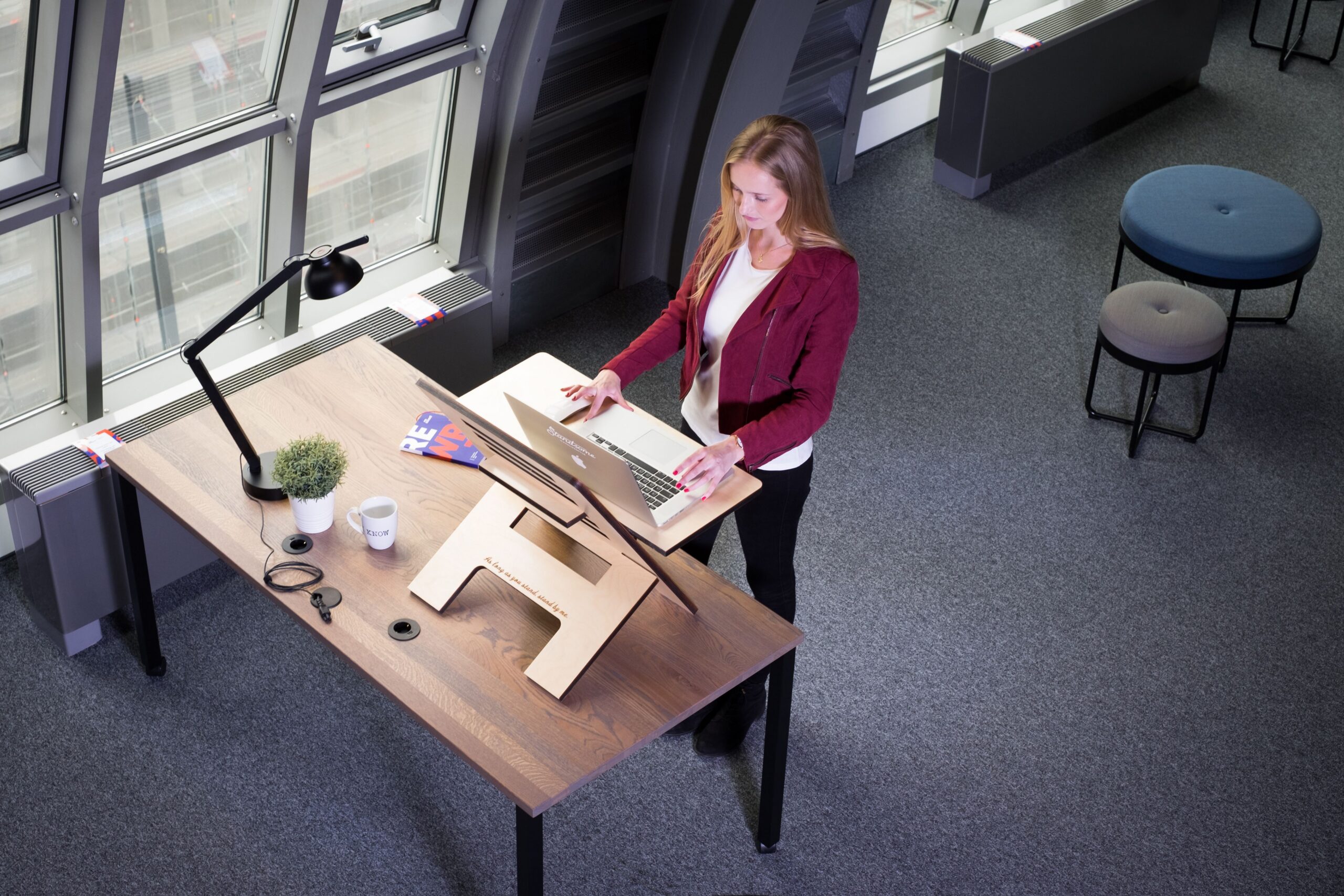
And What Actually Protects Your Spine.
You’ve probably heard the advice: “Sit less, stand more.” But when it comes to your spine, the answer isn’t quite that simple.
Standing desks have become a popular solution for people who spend long hours working at a computer. And there’s a good reason for that: remaining in one position for hours at a time isn’t ideal for your body.
But here’s the important distinction:
Standing is not automatically better than sitting.
Your spine doesn’t simply respond to whether you’re sitting or standing. It responds to how you’re positioned, how much load it is carrying, how long you stay there, and whether you move and recover regularly.
Standing Still Isn’t the Same as Moving
When we look at classic biomechanical data showing relative pressure on the third lumbar disc, standing is often used as the baseline at 100.
Certain sitting positions can increase that load significantly, particularly when you are slumped, unsupported or leaning forward. Coughing, for example, can temporarily increase pressure to around 140, while flexed and unsupported positions can create even greater loads.
Lifting increases spinal loading considerably further.
But there’s an important point that can get lost in the “sit less, stand more” message:
Even standing upright places a significant load on the lower back.
Standing all day in a rigid position isn’t necessarily giving your spine the break you think it is.
What Should You Do If You Have a Standing Desk?
If you already own a standing desk, there’s no need to throw it away!
Instead, consider how you are using it.
1. Don’t aim to stand all day
Standing continuously isn’t the objective.
Change position regularly.
Sit for a while. Stand for a while. Walk around. Stretch. Lean when appropriate.
Your body was designed to move, not to maintain one posture indefinitely.
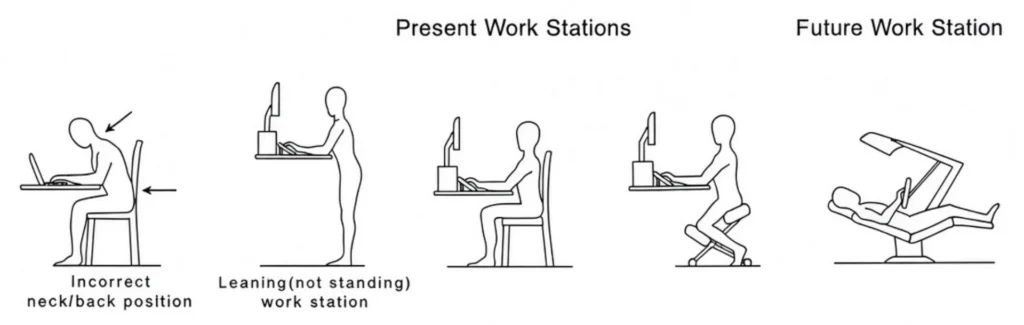
2. Consider a supported leaning position
If your workstation allows it, experiment with a comfortable leaning position where your body has light support rather than forcing you to remain completely upright.
The position should feel relaxed rather than strained.
3. Check your screen height
Your screen should be positioned so that you aren’t constantly looking down or reaching your head forward.
A screen that’s too low can encourage the very forward-head posture you’re trying to avoid.
4. Pay attention to your lower back
If you find yourself repeatedly arching excessively, rounding your lower back or leaning heavily onto your desk, your workstation may need adjustment.
Ergonomics isn’t about forcing your body into a textbook-perfect position. It’s about creating an environment that supports a comfortable, sustainable position.
5. Listen to early warning signs
Don’t wait until discomfort becomes severe.
Persistent neck stiffness, headaches, shoulder tension or lower-back pain can be signs that something about your workstation, posture or daily movement habits needs attention.
Your Spine Doesn’t Care About Trends
Standing desks aren’t bad.
Sitting isn’t automatically bad.
And standing isn’t automatically good.
The bigger issue is what your body is doing for hours at a time.
Your spine responds to load, alignment, movement and recovery.
That’s why the best workstation isn’t necessarily the one that keeps you standing. It’s the one that allows you to change position, stay supported and move regularly.
So if you have a standing desk, keep using it, but don’t feel that you have to stand rigidly all day to protect your spine.
Stand. Sit. Lean. Move. Repeat.
Your spine will thank you for the variety.
If you are experiencing ongoing neck or lower-back discomfort, a personalised assessment can help identify whether your workstation, posture, movement patterns or other factors may be contributing to your symptoms.